


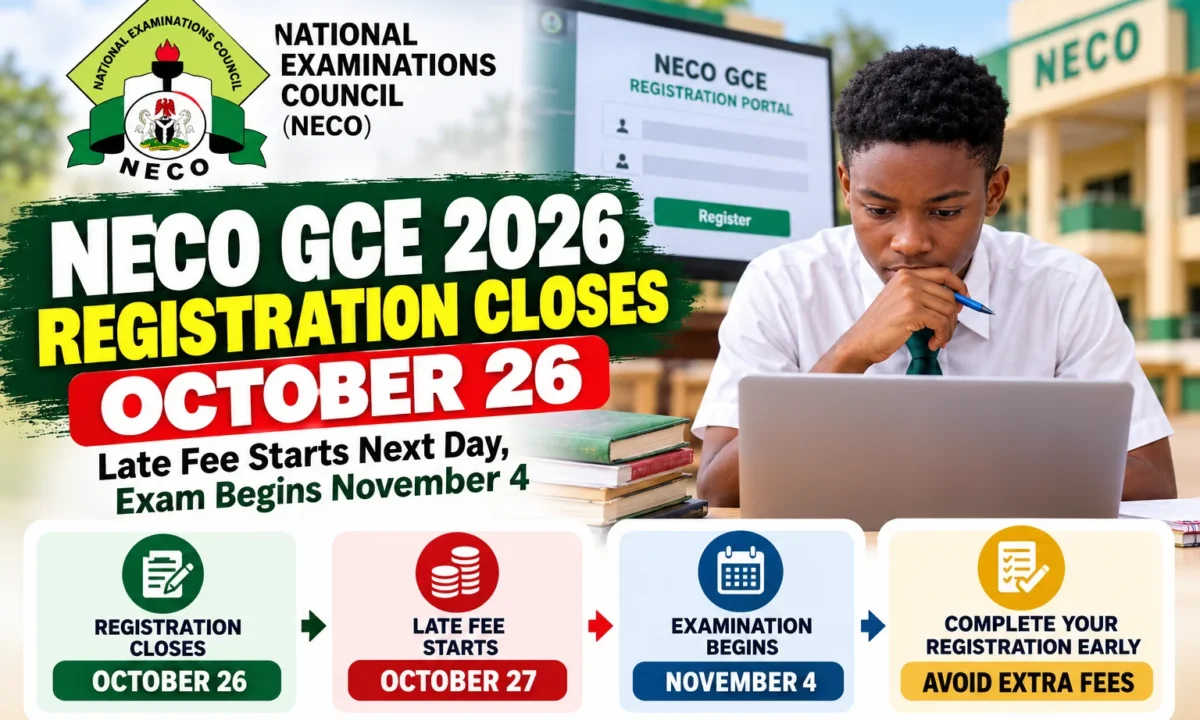
Candidates who still need the 2026 NECO Senior School Certificate Examination External now have a fixed countdown. NECO GCE 2026 registration closes for normal entries at 12 midnight on October 26. Late registration begins on October 27 and runs until November 3, attracting an additional ₦5,000 late fee.
The examination begins the very next day, Wednesday, November 4, and runs until Saturday, November 21, 2026. That narrow gap is why candidates should not deliberately wait for the late-registration period unless absolutely necessary.
NECO describes the 2026 External examination as a dual-mode examination, combining Hybrid Computer-Based Examination components with Pen-and-Paper Examination components. Candidates should therefore read the current timetable and registration guide rather than assume every subject will be taken in the same format as an older GCE series.
What You Need Before Registering
NECO’s registration process requires accurate candidate bio-data, a recent passport photograph and biometric capture. Candidates should be prepared to provide the identity and registration information demanded by the current portal and must ensure that names, date of birth and subject choices are correct before the registration is finalised.
A candidate taking the examination to correct an admission deficiency should first identify the exact O’Level subject required by the intended course. Registering unnecessary subjects wastes money and preparation time, while omitting the one required credit can leave the admission problem unresolved even after the examination.
The official starting point is NECO’s website, where the Council has published the reviewed 2026 SSCE External registration guideline and timetable. The dedicated registration system is available through the NECO SSCE External portal.
How to Register for NECO SSCE External
- Visit neco.gov.ng and open the 2026 SSCE External section.
- Download and read the reviewed registration guideline and official examination timetable before beginning.
- Proceed to the SSCE External registration portal and create/access the candidate account as instructed.
- Enter the candidate’s personal information carefully and complete the required payment through the official NECO payment route.
- Complete biometric capture and upload/use a valid recent passport photograph as required.
- Select the examination subjects and the appropriate examination location/centre option.
- Review every field before final submission, especially names, date of birth and subjects.
- Print and keep the candidate photocard/registration evidence and the timetable.
NECO specifically advises candidates to study both the guideline and timetable before completing registration. Candidates who run into genuine problems should use NECO’s official support channels rather than hand login credentials to an unknown cybercafé operator or social-media agent.
The normal deadline is October 26. From October 27, the ₦5,000 late charge applies, and the late window closes November 3. With the first paper on November 4, candidates who register at the last moment will have almost no time to correct mistakes.
For NECO GCE 2026 registration, the best approach is to register during the normal window, print the photocard, build a personal timetable from the official schedule and begin revising according to the actual paper dates.

0 comments
Open the discussion when you need it. Comments stay collapsed until requested so the initial article remains light.