

Computer Parts, Keyboard Functions and Arabic Typing for Primary 4
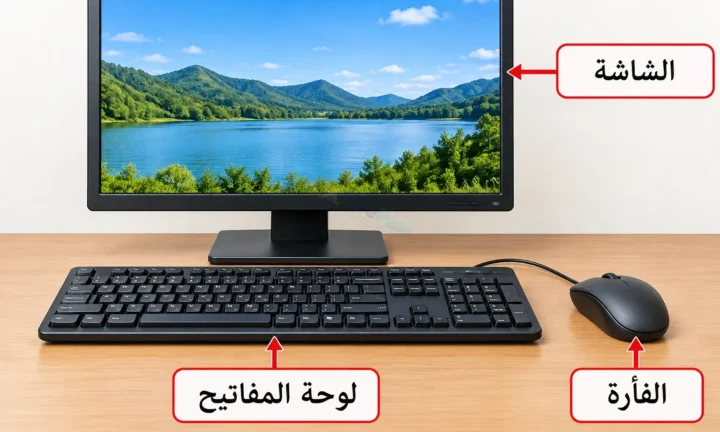
تضم أجزاء الحاسوب الشاشة ولوحة المفاتيح والفأرة. وتُستخدم لوحة المفاتيح لإدخال الحروف العربية وكتابة النصوص وحفظها بالحاسوب.
Read guide
Teacher/Educational Writer
Royal Alikor is an educator with six years of classroom teaching and three years of elementary school leadership experience and is still teaching. He develops and reviews practical, curriculum-aligned learning materials for Nigerian schools and teachers.
Lessons ◉ 0 views
تضم أجزاء الحاسوب الشاشة ولوحة المفاتيح والفأرة. وتُستخدم لوحة المفاتيح لإدخال الحروف العربية وكتابة النصوص وحفظها بالحاسوب.
Read guide→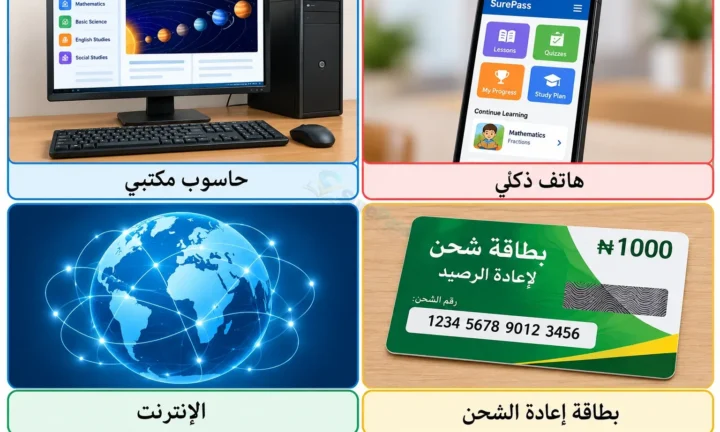 Lessons ◉ 0 views
يُستخدم الحاسوب لمعالجة المعلومات وحفظها، وتساعد شبكة الإنترنت والهاتف في البحث والتواصل والتعلم؛ ولكل جهاز وظيفة ينبغي فهمها.
Read guide→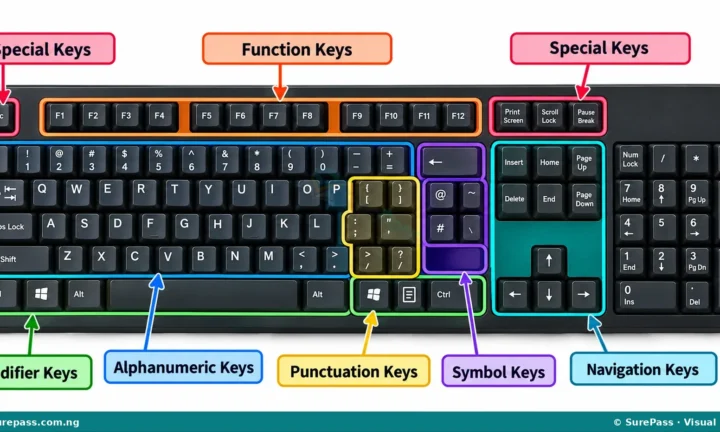 Lessons ◉ 0 views
Input devices send information to a computer. Keyboards enter text, mice control pointers, and microphones turn sound into digital input.
Read guide→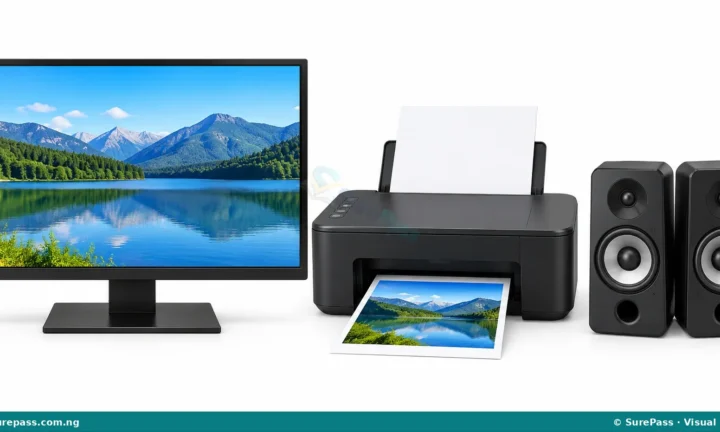 Lessons ◉ 6 views
Output devices present processed information in a usable form. Monitors display images, speakers produce sound and printers produce documents.
Read guide→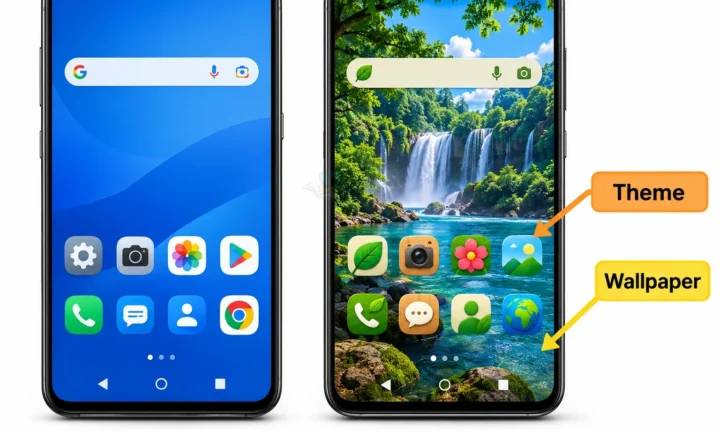 Lessons ◉ 0 views
Device interfaces can be personalised with wallpapers, themes and display settings. Clear icons and readable text also make screens easier to use.
Read guide→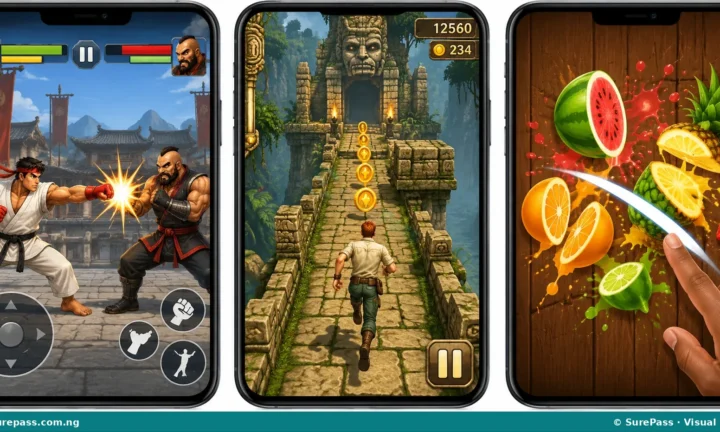 Lessons ◉ 0 views
Scratch games use sprites as characters or objects and a stage as the playing area. Block instructions control how those sprites move and…
Read guide→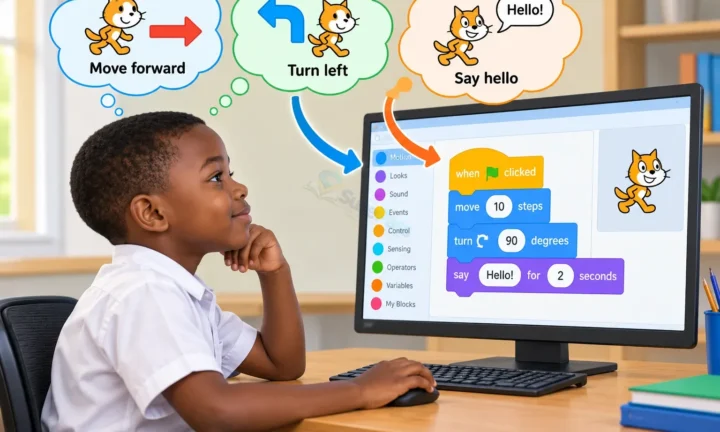 Lessons ◉ 0 views
Programming means giving a computer ordered instructions to complete a task. Coding tools turn these instructions into programs, animations or games.
Read guide→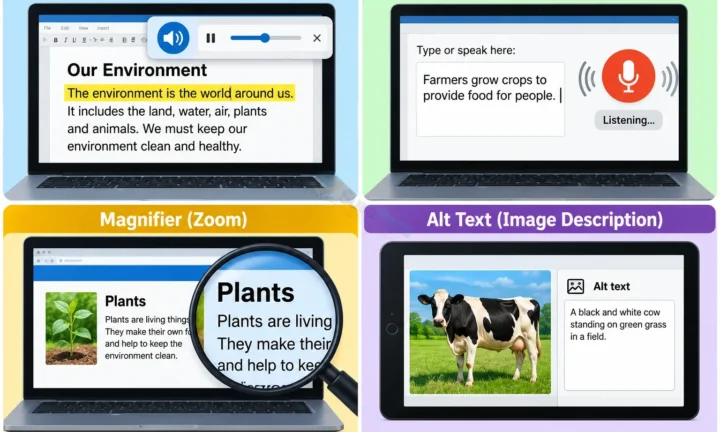 Lessons ◉ 0 views
Accessible digital content uses clear language, readable text and alternative descriptions for images. These choices help more people learn and participate.
Read guide→ Lessons ◉ 0 views
Cyberbullying is repeated harmful behaviour using digital tools, such as threatening messages or public humiliation. Saving evidence and seeking help matter.
Read guide→ Lessons ◉ 0 views
Phishing uses fake messages or websites to trick people into revealing passwords or other details. Checking senders and avoiding suspicious links reduces risk.
Read guide→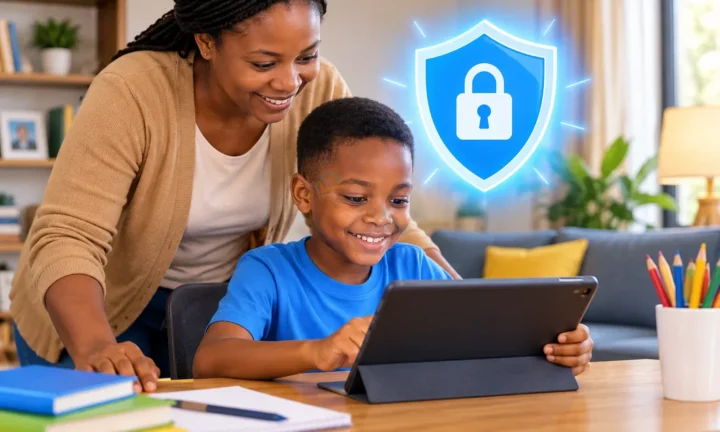 Lessons ◉ 0 views
Safe internet use means protecting private information and treating others respectfully. Upsetting or suspicious content should be reported to a trusted adult.
Read guide→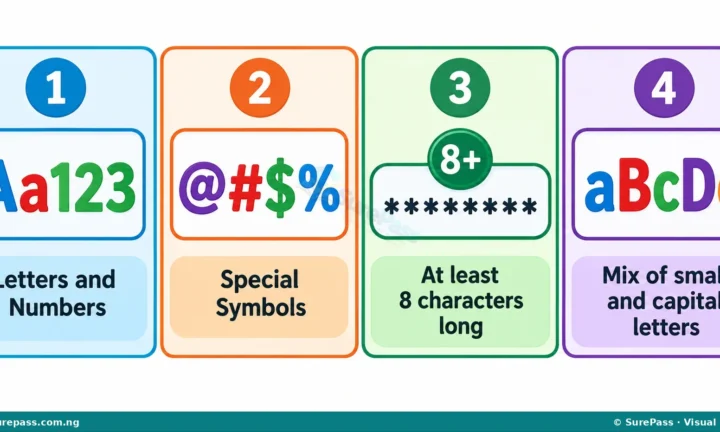 Lessons ◉ 0 views
Strong passwords protect accounts and devices from unwanted access. Long, unique passwords and careful handling of login details improve security.
Read guide→Pick your class and subject. SurePass opens the matching lesson shelf and keeps the clock with you as you move around the site.
You stayed with it for 25 focused minutes. That counts.