


ARTICLE CONTENTSOn this page 6 sections
Sequence in programming
Performance Objectives
By the end of the lesson, students should be able to:
- describe the meaning of sequence;
- explain the importance of sequence;
- create a sprite using the steps in sequence.
What is Sequence?
Sequence means the order in which things happen or are arranged.
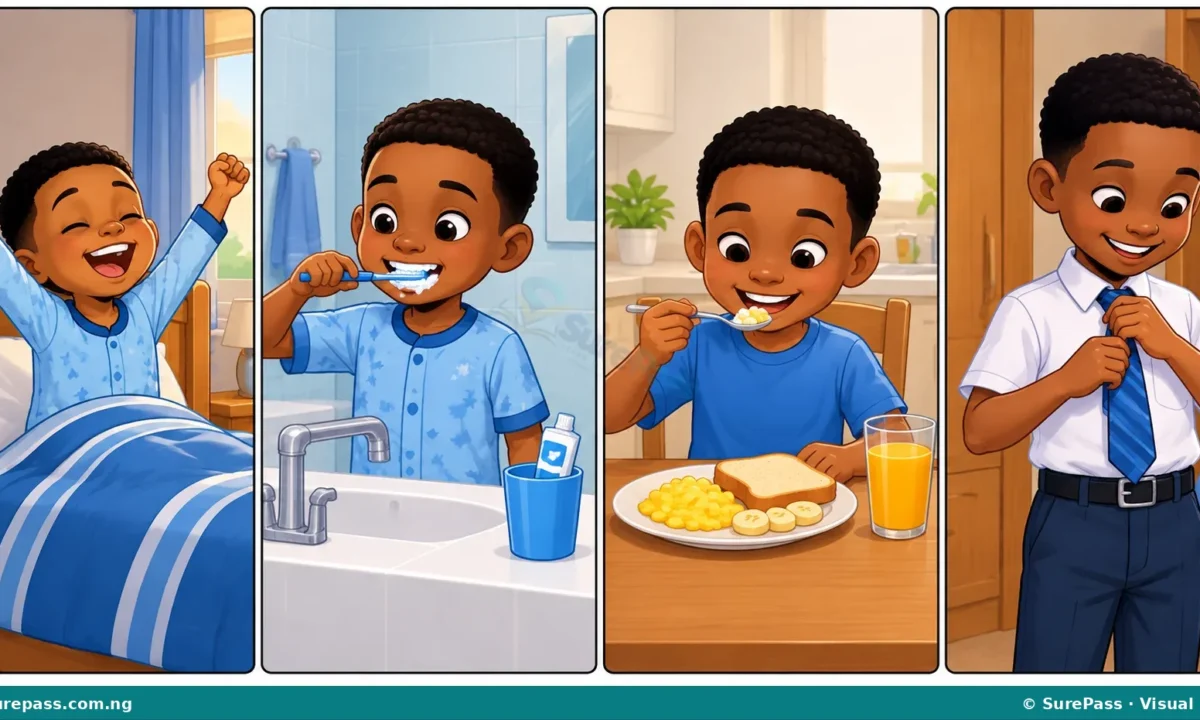
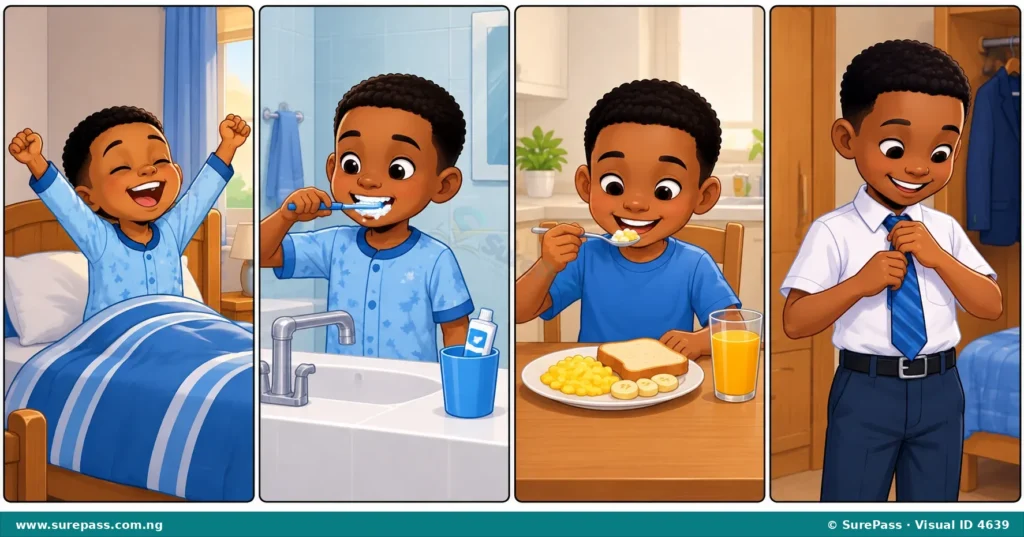
In our daily lives, many activities follow a specific order. For example, when preparing for school, a child first wakes up, then brushes their teeth, takes a bath, eats breakfast, and finally puts on their uniform before leaving for school. Changing this order can cause problems.
Imagine trying to brush your teeth after eating breakfast, or putting on your uniform before taking a bath. The result would not be good!
Sequence in Programming
In computer programming, sequence refers to the order in which instructions are given to the computer.
A computer program is a set of instructions that tells the computer what to do. These instructions must be arranged in a specific order for the program to work correctly and achieve the desired result. If the instructions are in the wrong order, the computer will not understand what to do, or it will do the wrong thing.
Importance of Sequence in Programming
Sequence is very important in programming because computers follow instructions exactly as they are given, step by step.
The importance of sequence includes the following:
- Correct Results: When instructions are in the correct sequence, the program will produce the expected and correct results. For example, if you want a character in a game to move forward and then jump, the instruction to move forward must come before the instruction to jump.
- Avoiding Errors: An incorrect sequence of instructions can lead to errors or bugs in the program. The program might crash, freeze, or simply not do what it is supposed to do.
- Clear Logic: A well-sequenced program is easier for people to understand and follow. This makes it simpler to fix problems or add new features later.
- Achieving Goals: Every program has a goal, like drawing a picture, moving a character, or solving a problem. Following the correct sequence of steps is the only way to reach that goal successfully.
Think of giving directions to a friend. If you tell them to turn left before they reach the junction, they will get lost. Similarly, a computer needs instructions in the right order to complete its task.
Creating a Sprite in Scratch Using Sequence
Scratch is a visual programming language that allows children to create their own interactive stories, games, and animations. In Scratch, a “sprite” is a character or object that performs actions in your project.
Creating a sprite in Scratch involves following a specific sequence of steps. If these steps are not followed in order, the sprite might not be created correctly or might not appear as intended.
Procedure for Creating a Sprite in Scratch
The procedure for creating a new sprite in Scratch involves the following steps:
- Create a New Project: First, open Scratch and start a new project. This provides a blank canvas for your work.
- Select the Paint Option: To create your own sprite, look for the “Choose a Sprite” button (it often looks like a cat icon with a plus sign). Click on it, and then select the “Paint” option. This opens the costume editor where you can draw.
- Draw a Sprite Using the Brush and Shape Tool: In the costume editor, use the drawing tools to create your sprite. You can use the brush tool to draw freehand lines or the shape tools (like rectangle or circle) to create perfect shapes. Combine different shapes and lines to form your character or object.
- Color the Sprite with the Fill Tool: After drawing the outline of your sprite, use the “Fill” tool (often looks like a paint bucket) to add colours. Select a colour from the palette and click inside the areas of your drawing to fill them.
- Save the Sprite: Once you are happy with your sprite’s appearance, it is automatically saved as part of your project. You can then close the costume editor, and your new sprite will appear on the stage, ready to be programmed.
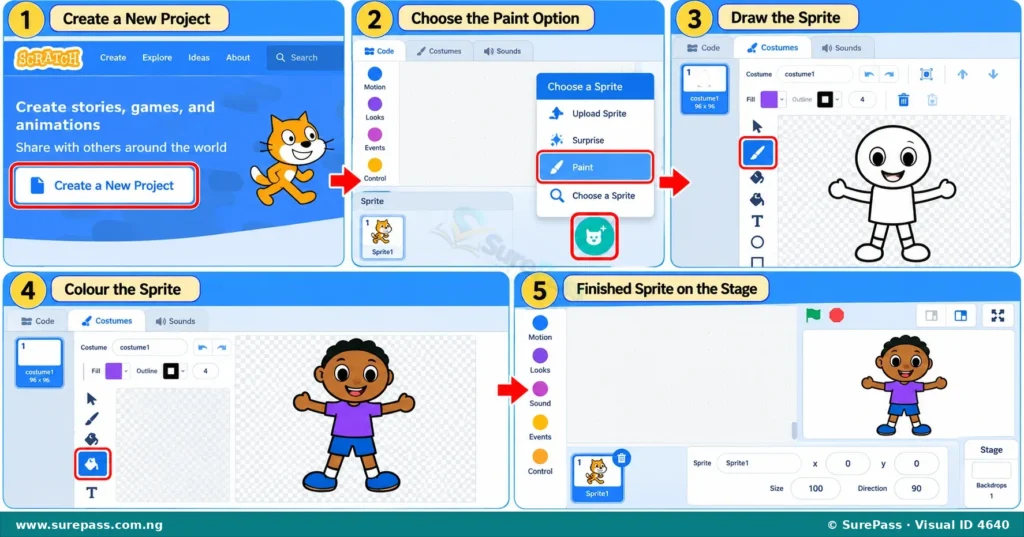
Following these steps in the correct order ensures that your sprite is created properly and is ready for you to add programming blocks to make it move or interact in your game.

0 comments
Open the discussion when you need it. Comments stay collapsed until requested so the initial article remains light.